Screenshots
See it in action
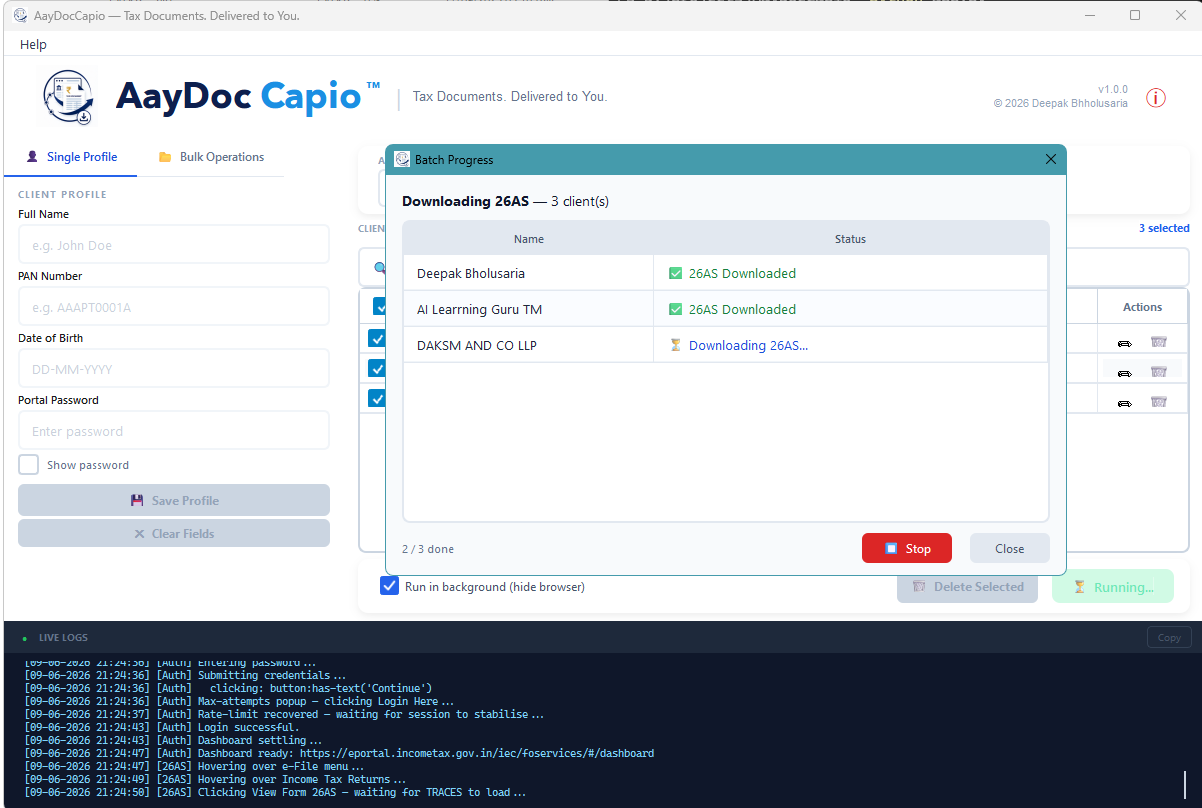
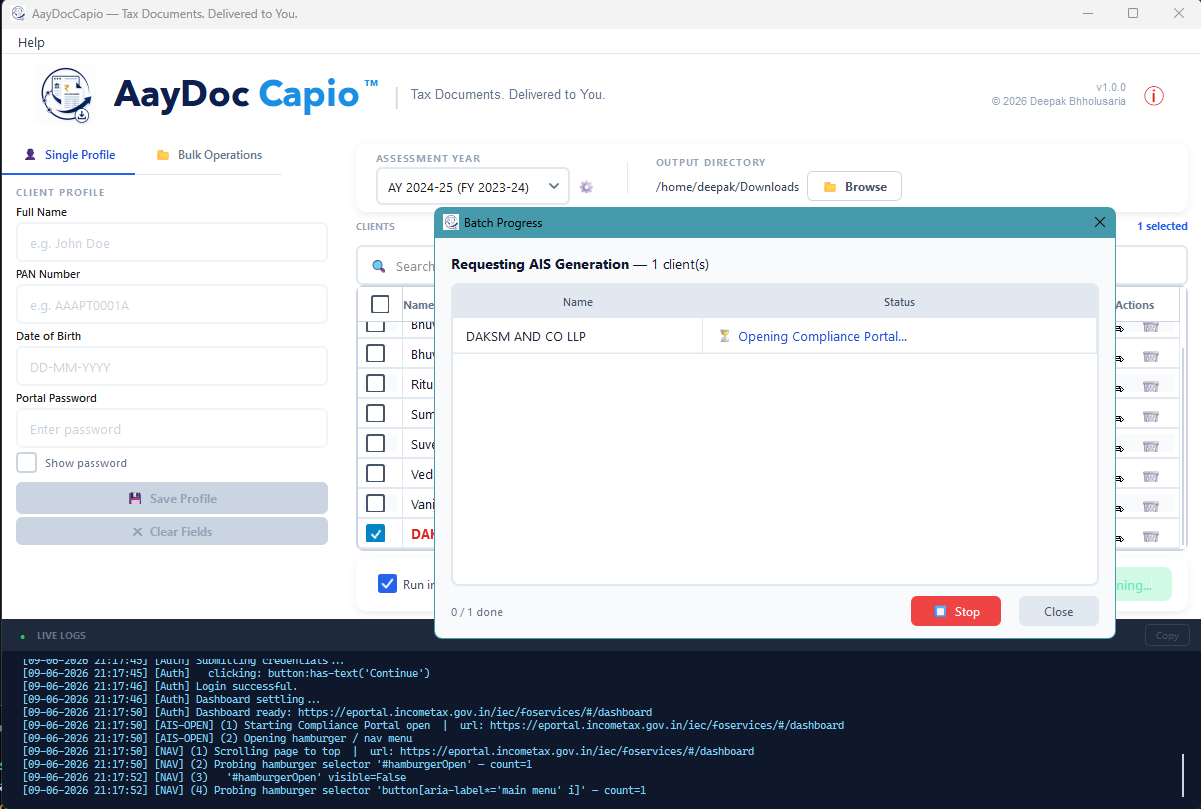
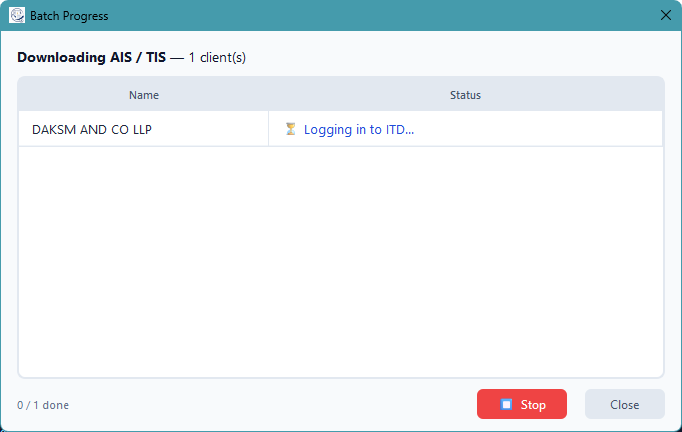
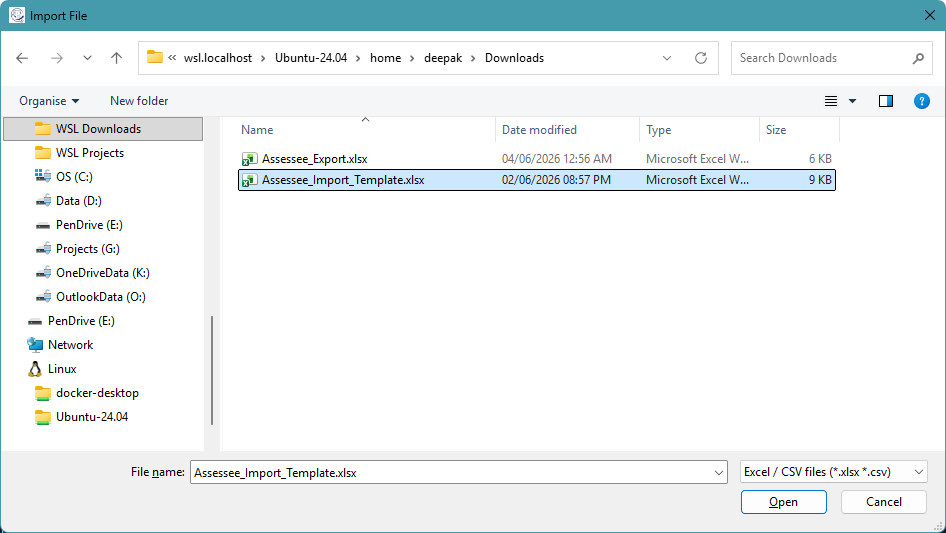
See where every client's return actually stands — straight from the portal's own status timeline — and organize clients into groups like family or firm units, with a new window to manage both.
Two new ways to see and organize your client base — where every return actually stands, and who belongs together.
Log in and see exactly where each client's return stands — Pending e-Verification, Processed, Processed with Refund/Demand Due, and more — shown exactly as the portal's own status timeline shows it. A new Return Status window lets you filter by client and Year and re-check live; ordinary Downloads runs now keep this data fresh automatically too.
Organize clients into groups — a family, a firm, however you work — with a two-panel Manage Groups window to add or remove members with a click. Filter by Group in the main client grid and the Return Status window, and the Client Master import template now has a dedicated Groups sheet too.
A splash screen with a pulsing glow now shows while the app starts up, instead of a blank window.
From bulk downloads and tax challans to status tracking, client groups, Excel reports, and email delivery — one tool for the complete workflow.
Download all documents for all selected clients in one unattended batch. No manual logins, no waiting.
Fill and submit the ITD e-Pay Tax "New Payment" wizard for many clients in one run — a real CRN generated for each, without ever touching net banking or OTP.
Log in and see exactly where each client's return stands, straight from the ITD portal's own status timeline — no more opening every account one by one.
Organize related clients together — a family, a firm, however you actually work — instead of managing everyone as one flat list.
Structured, analysis-ready Excel workbooks generated automatically from downloaded data.
Send downloaded documents directly to clients without leaving the app.
Keep your client list, years, and preferences organised across every session.
Every feature is designed to reduce manual effort and improve accuracy for tax professionals.
| Feature | Benefit |
|---|---|
| Bulk 26AS / AIS / TIS Downloads | Save hours of manual portal logins — download all clients in one unattended batch |
| AIS JSON → Excel Workbook | Structured, analysis-ready data from the ITD portal without copy-pasting a single cell |
| Capital Market consolidated sheet | Capital gains auto-computed with Section 55(2)(ac) grandfathering — no manual formula work |
| Mail Docs to Clients | Eliminate the step of manually attaching and sending each document to each client |
| Auto PDF Unlocking | No more manually entering PAN/DOB passwords for every downloaded PDF |
| Encrypted Credential Vault | Client PANs and passwords never leave your machine — full local control |
AayDocCapio is designed for anyone who downloads Form 26AS, AIS, or TIS for multiple clients regularly.
Windows 10 / 11 64-bit · macOS Apple Silicon · Requires Google Chrome for AIS/TIS
Recommended for most existing Windows users. Use if you previously installed with the .exe setup.
Download .exev2.4.1 · Wizard InstallerFor new enterprise or IT-managed installs. Uninstall the .exe version first if switching.
Download .msiv2.4.1 · Silent / managed installApple Silicon app bundle packaged as a zip. Open via right-click → Open if Gatekeeper warns.
Download macOS zipv2.4.1 · .app bundleWindows Defender or your browser may flag unsigned installers.
This is a false positive. AayDocCapio is open source and communicates only with official ITD portals.
How to allow it and install →Everything you need to know before downloading.
All credentials (PAN, DOB, portal password) are stored in an encrypted local file tax_vault.json on your machine using PBKDF2HMAC + Fernet AES-128. Nothing is sent to any server — the app only communicates directly with the official ITD e-Filing portal.
The Insight/AIS portal's download buttons only fire correctly in real Google Chrome. Playwright's bundled Chromium does not trigger the download event on that portal. Form 26AS works fine without Chrome.
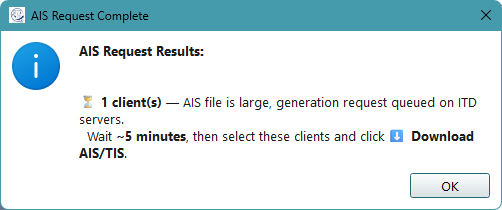
When an AIS file is large, the ITD server queues its generation. AayDocCapio will show a notification with a reference number. Wait ~5 minutes, select those clients, and click Download Previously Requested AIS.
No. Each client is fully isolated — if one fails (wrong password, portal timeout, etc.), the reason is shown in the progress popup and the batch continues for all remaining clients.
Files are saved to the output directory you choose, in the structure: <Output Dir>/<PAN>-<Client Name>/AY_<year>/. PDFs are automatically unlocked and ready to open. 26AS outputs can include PDF, TXT, Excel workbook, and HTML.
Use the .exe setup for normal users and for upgrades from older .exe installs. Use the .msi for new IT-managed deployments, silent installs, or Group Policy deployment. Avoid installing both types on the same machine.
No. The installers are configured to preserve app data. Your tax_vault.json and assessment_years.json remain on the machine during uninstall or installer migration.
Yes, this is a false positive. AayDocCapio is compiled from Python source using Nuitka. Compiled Python binaries are commonly flagged by heuristic antivirus scanners even though the code is entirely safe and open source.
If Brave / Chrome blocks the download: Click the ↓ download icon → click … next to the file → Keep → Show more → Keep anyway.
If Windows Defender shows "Threats found": Open Windows Security → Virus & threat protection → Protection history, find the entry, click Actions → Allow on device.
If Windows SmartScreen blocks the installer: Right-click the file → Properties → tick Unblock → Apply. Then run it — if SmartScreen still appears, click More info → Run anyway.
Install once, add your clients, and download all their documents in one click.
Run the .exe wizard or .msi for managed installs. Chromium downloads automatically on first launch.
Add manually or bulk-import from Excel / CSV with Name, PAN, DOB, Password, and Email.
Pick the Assessment Year and the output folder where documents will be saved.
Select clients, choose 26AS or AIS/TIS, and watch the live batch progress dialog.
Files saved to Output/PAN-Name/AY_year/. AIS can also be converted to Excel instantly.
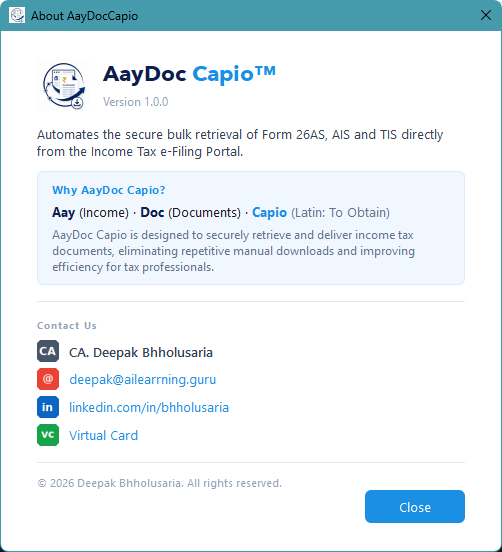
AayDocCapio is designed to securely retrieve and deliver income tax documents, eliminating repetitive manual downloads and improving efficiency for tax professionals.
| Concern | How it's handled |
|---|---|
| Credential storage | AES-128 (Fernet) encrypted local file — tax_vault.json |
| Key derivation | PBKDF2HMAC / SHA-256, 100,000 iterations |
| Installer upgrades | tax_vault.json and assessment_years.json are preserved during uninstall or migration |
| PAN in logs | PAN is never included in error or log output |
| Vault in git | tax_vault.json is in .gitignore — never committed |
| Network | Credentials only submitted to the official ITD portal — no third-party services |
tax_vault.jsontax_vault.json and assessment_years.json are preserved during uninstall or migrationtax_vault.json is in .gitignore — never committed
AayDocCapio was created to eliminate the repetitive manual effort of downloading income tax documents for multiple clients every season. It is free, open source, and built entirely with Python.
© 2026 CA Deepak Bholusaria · AGPLv3-or-later